Why CURI TIME BOX.
Every family we teach asks: how do I help my child manage time without nagging, and without another screen? Here is our answer.
← Back to overviewThree problems.
Three answers.
On the left, how CURI TIME BOX helps. On the right, where it stops.
Say time out loud
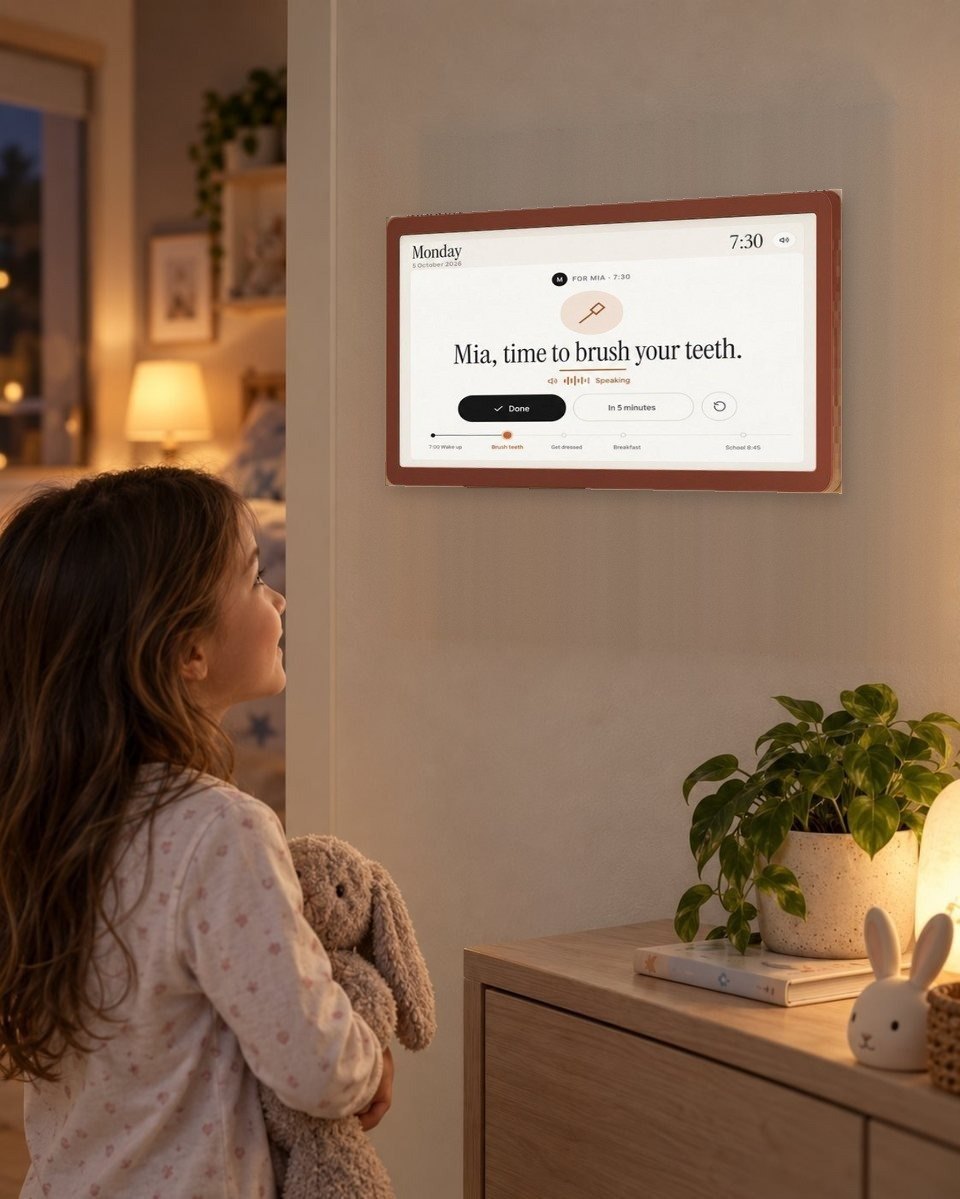
To a young child, “in ten minutes” means nothing. CURI TIME BOX turns the day into cards they can see, move and hear: “5 minutes until homework.” No reading needed.
Give them their own time
You set the window and the must-dos; they decide the order. Anything else, they ask on the wall and you answer from your phone. Less nagging, more “I’ve got this”.
A friend to look after
Not sweets: a small daily challenge and a pet they named. Reach today’s star goal, then care for it. That’s where responsibility starts.
No videos, no games
The screen shows the child’s own day and Time Window cards. Nothing endless, nothing designed to keep them staring.
No camera, no microphone
CURI TIME BOX speaks, but never listens and never watches. Nothing on the wall records your home.
Nothing sold on the wall
Core features are free for life. TIME BOX Plus is optional, lives in the parent app, and is never advertised to your child.
Simple by design,
built around a child’s day.
One calm, large screen and a parent app. Every choice is made so a child can use it on their own.
Made for child height
A matte screen that stays calm in daylight, with touch that works for small fingers.
A calendar that talks
It opens on today, and everything has a little speaker, so children can use it from age 3.
The alternative to nagging isn’t
another screen.
Chore charts, fridge magnets, phone alarms: CURI TIME BOX brings them onto one wall, and hands the controls to the child.
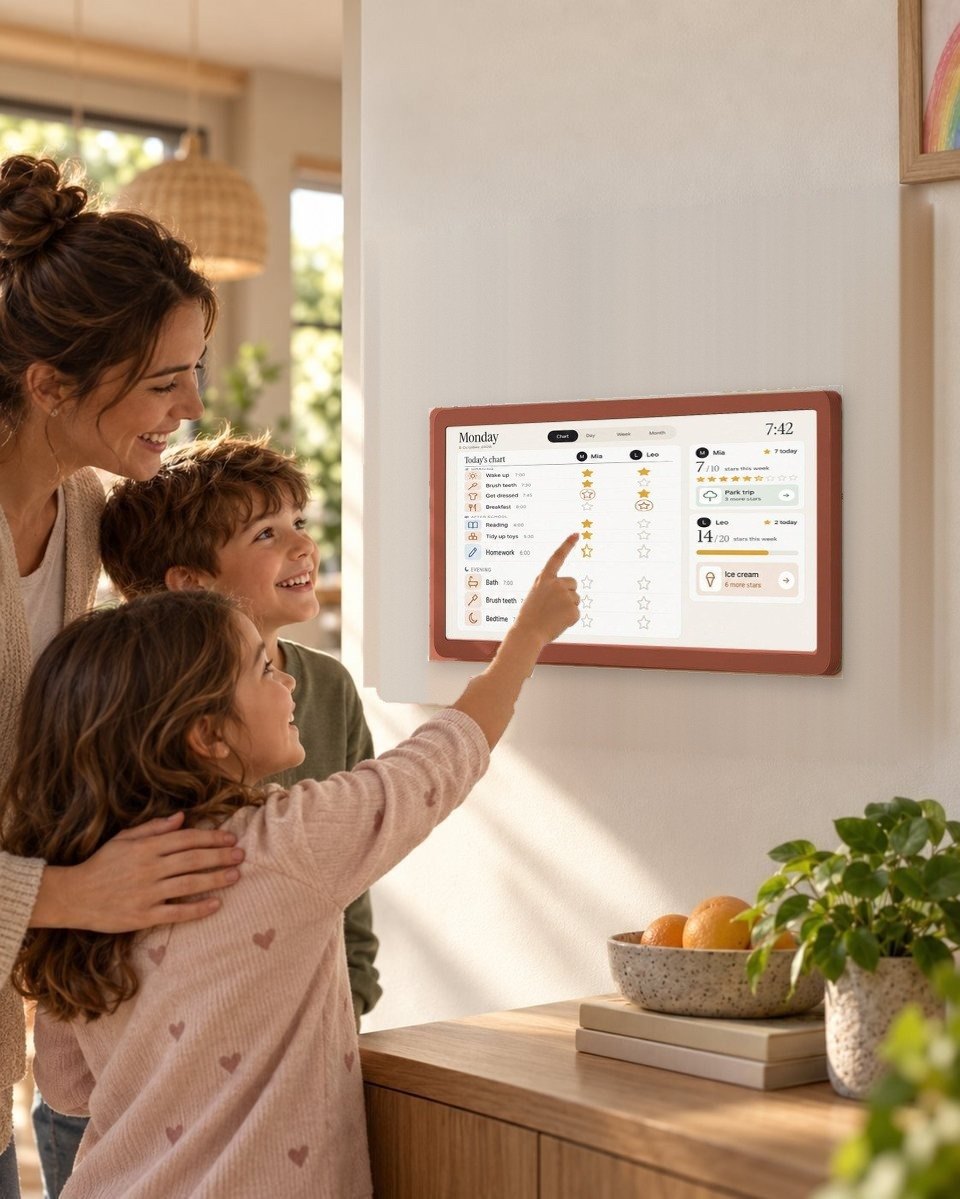
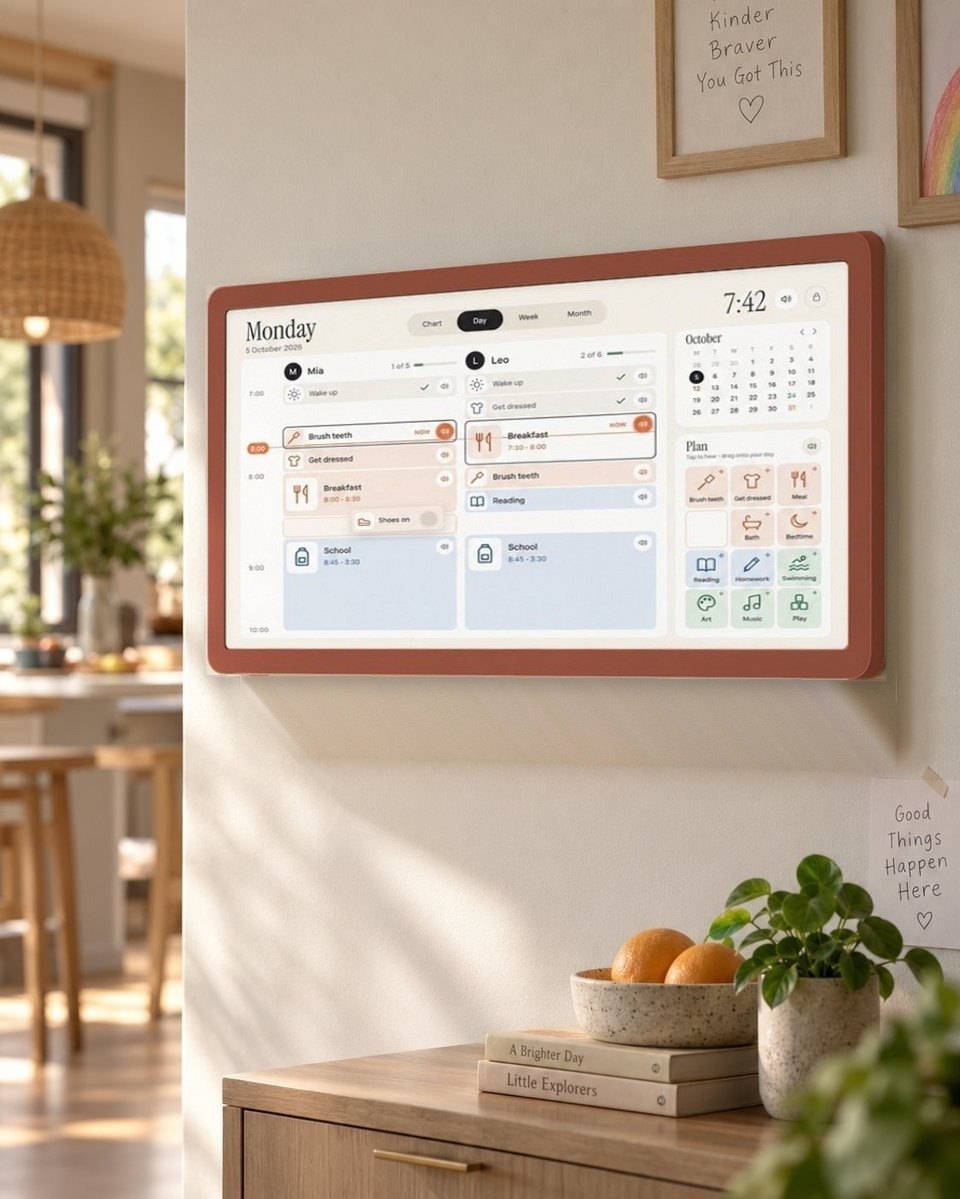
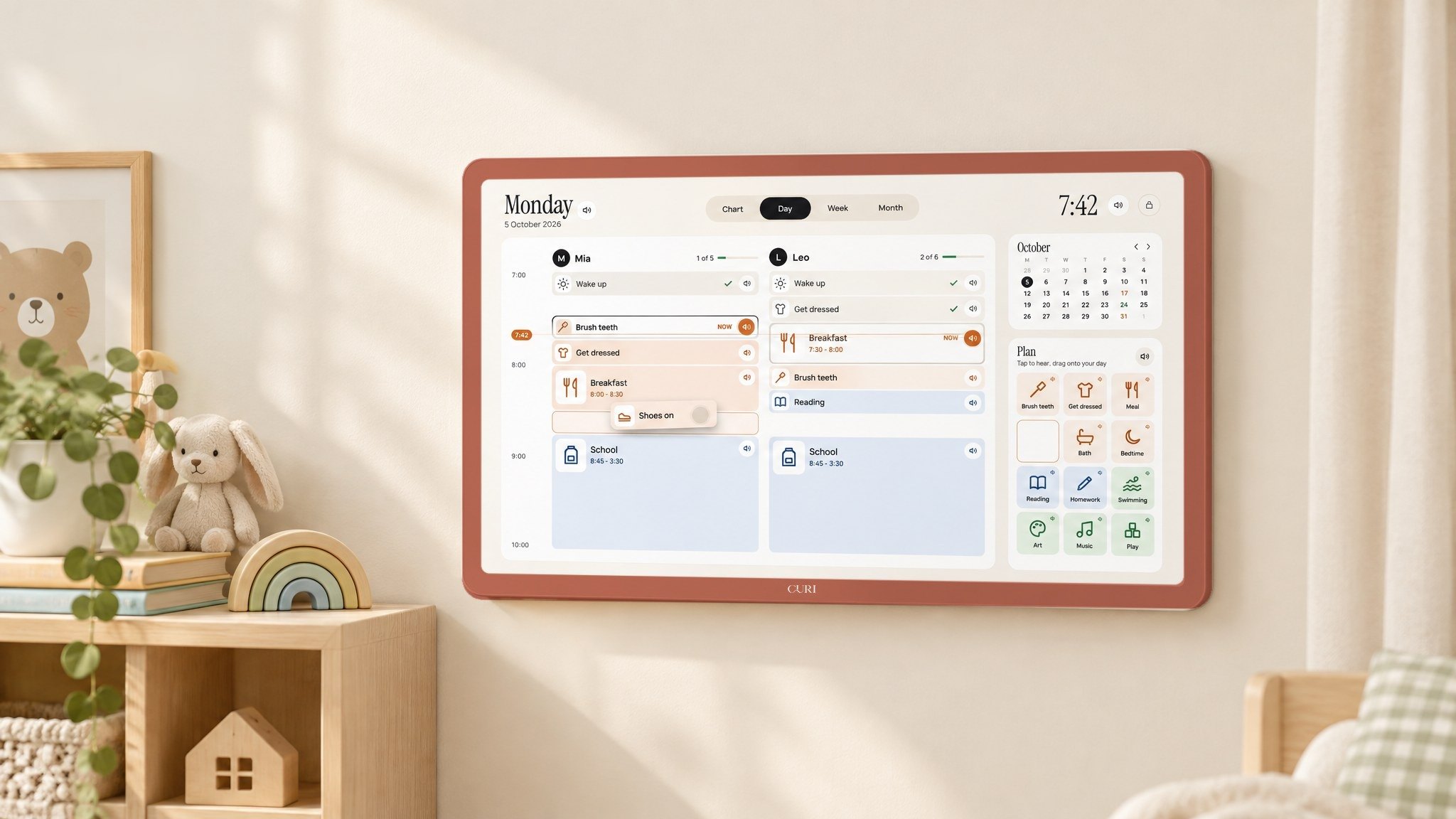
Renders of the CURI TIME BOX design. Campaign photos will be taken with the working prototype.
Give your child
their own time.
Join the list and we’ll tell you the day the Kickstarter goes live, with the early-bird price held for you.