Set-up and sync,
in your pocket.
Two layers: your child plans on the wall, you set the frame from your phone. iOS and Android.
You set the frame.
They run the day.
Set each child’s own time and must-dos, answer their asks, start a challenge, and add your family’s Special Days. After that, the wall belongs to your child.
Set up the week’s frame
Lock fixed blocks like school and dinner, build morning and bedtime routines, and give each child their own time with cards marked Must do or Just an idea.
Their ideas, your yes
Wishes, typed ideas, moved cards and star trades all land here. Answer Yes, Not now, Let’s talk, Approve or Suggest a time.
Small goals worth keeping
Start a 7–30 day challenge, choose its rewards and send a cheer. Agree the weekly goal together, and pick which tasks need a grown-up check.
TIME BOX Plus is optional: Insights, task packs, companion extras and more Time Windows. It lives in the parent app and is never advertised to your child on the wall.
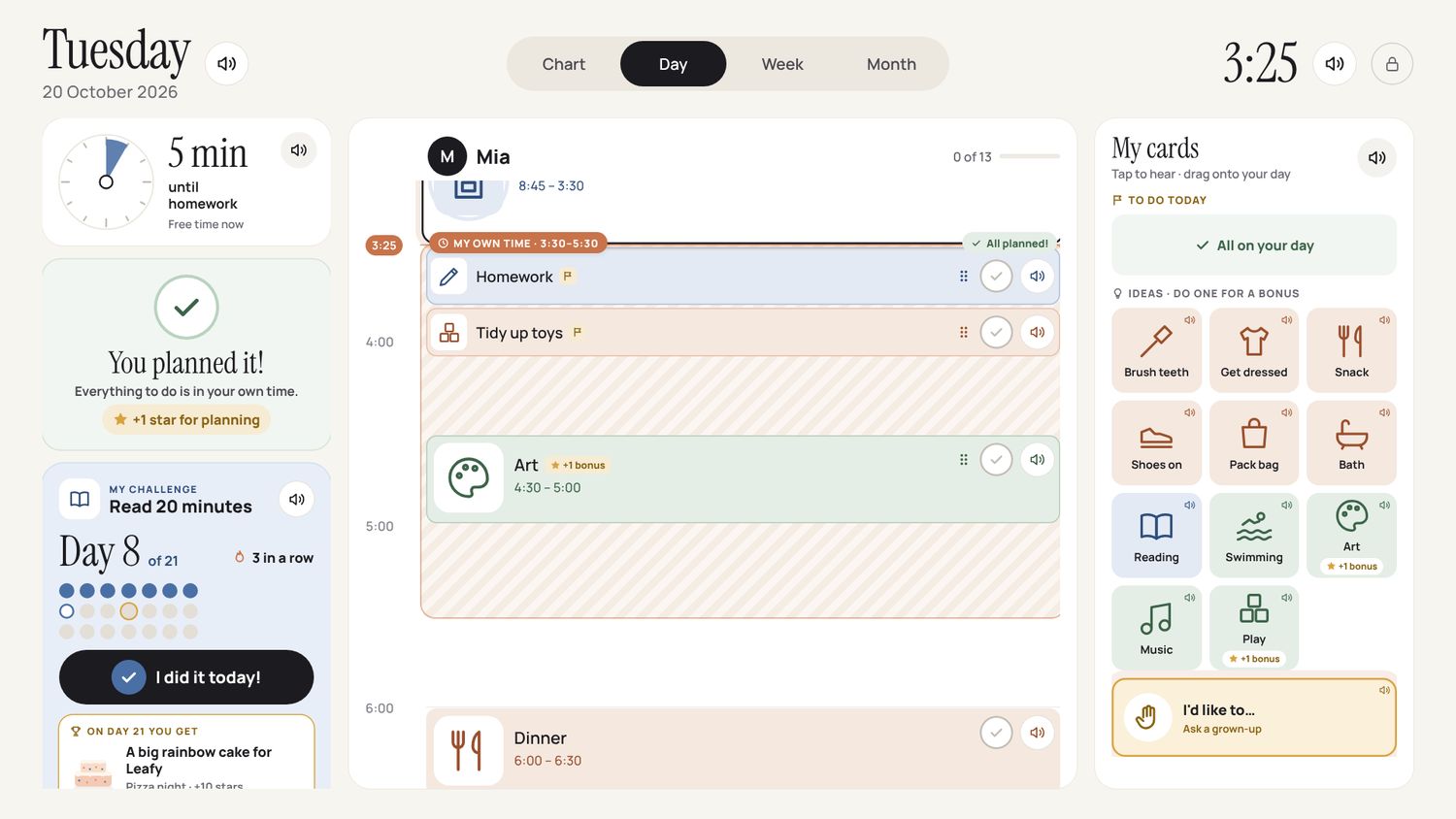
Real screen · example family.
Give your child
their own time.
Join the list and we’ll tell you the day the Kickstarter goes live, with the early-bird price held for you.